File Manager

Sofy’s File Manager allows you to securely upload images and PDF files for use during both ad-hoc (Lab) and scheduled executions. Uploaded assets are automatically downloaded to the acquired device at runtime and securely cleaned up after execution to maintain data integrity and device security.
Supported File Types
- JPEG (.jpg, .jpeg)
- PNG (.png)
- PDF (.pdf)
- Video (.MP4)
- Audio (.MP3)
These files can be used in workflows that require media uploads, document previews, attachment validation, or file-interaction scenarios within your application under test.
You can upload up to a consolidated file size(s) of 200 MB.
How It Works
- When you access Sofy portal, navigate to App Manager.
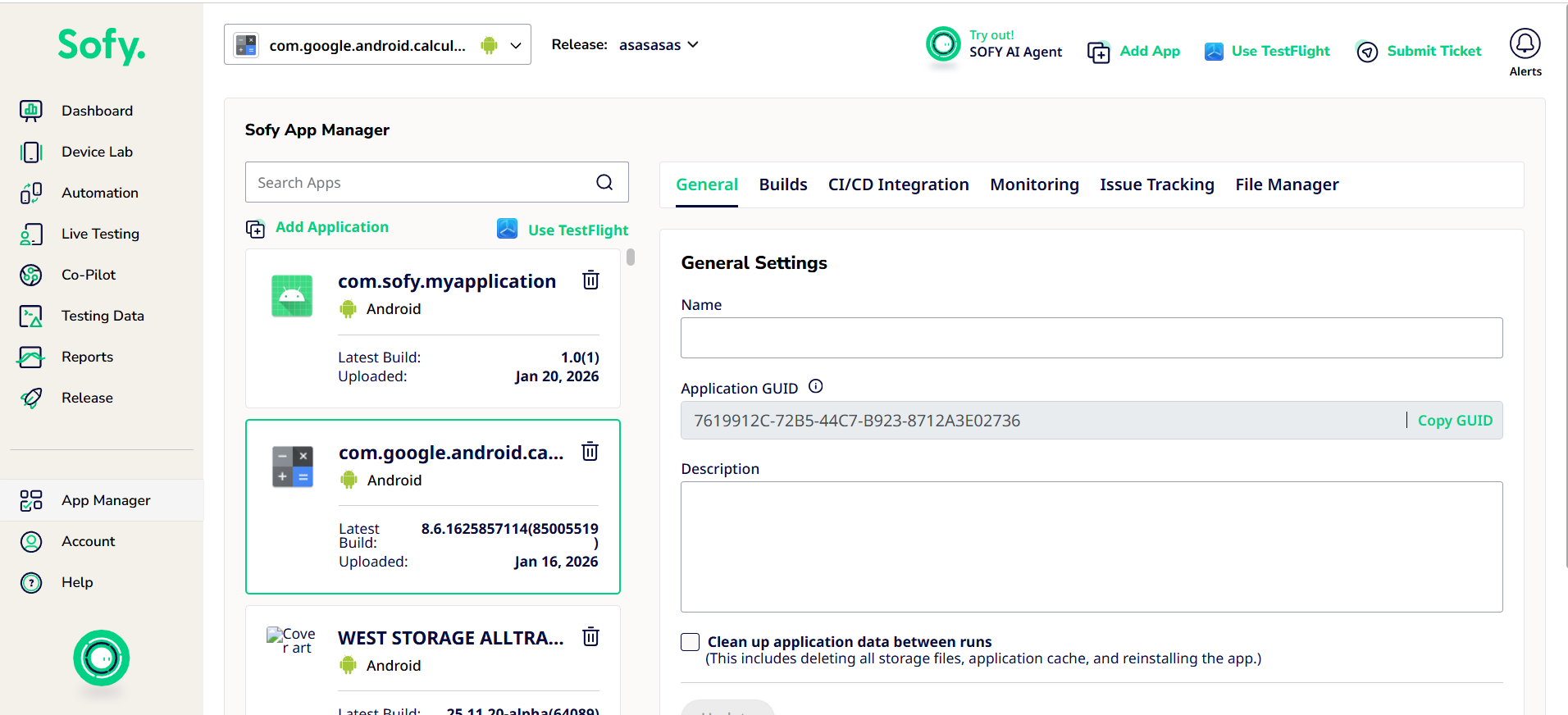
- Access File Manager
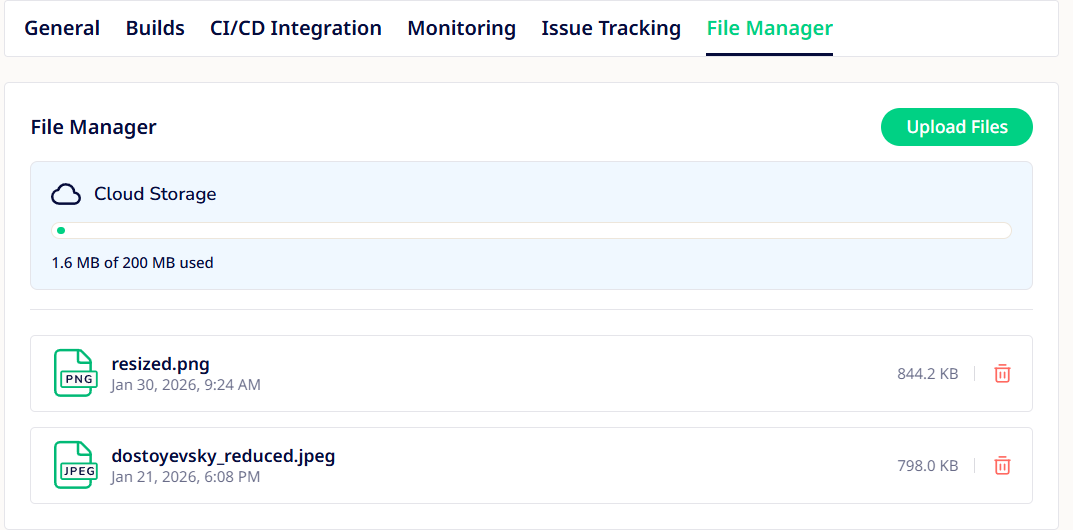
- You will see all your assets listed out with an option to upload more files.
Security Considerations
File Manager is designed to balance usability and security of your automation.
During execution, when you acquire a device in Sofy Lab, or trigger a scheduled run, Sofy will:
- Download the selected assets to the acquired device.
- Make them available for use during your test steps.
- Ensure the files are accessible only for the duration of that session.
After execution completes, the uploaded files are automatically and securely removed from the device.
Common Use Cases
- Testing profile picture uploads
- Validating document submission workflows
- Verifying PDF rendering inside apps
- Testing attachment flows in messaging or support apps
- Testing audio file uploads, such as adding music or voice files from the device
