Save and re-run prompts

Save a prompt that works so your team can run the same flow again on a new build without retyping it. A saved prompt is stored per application.
Save a prompt
- After a run, click Save as Prompt.
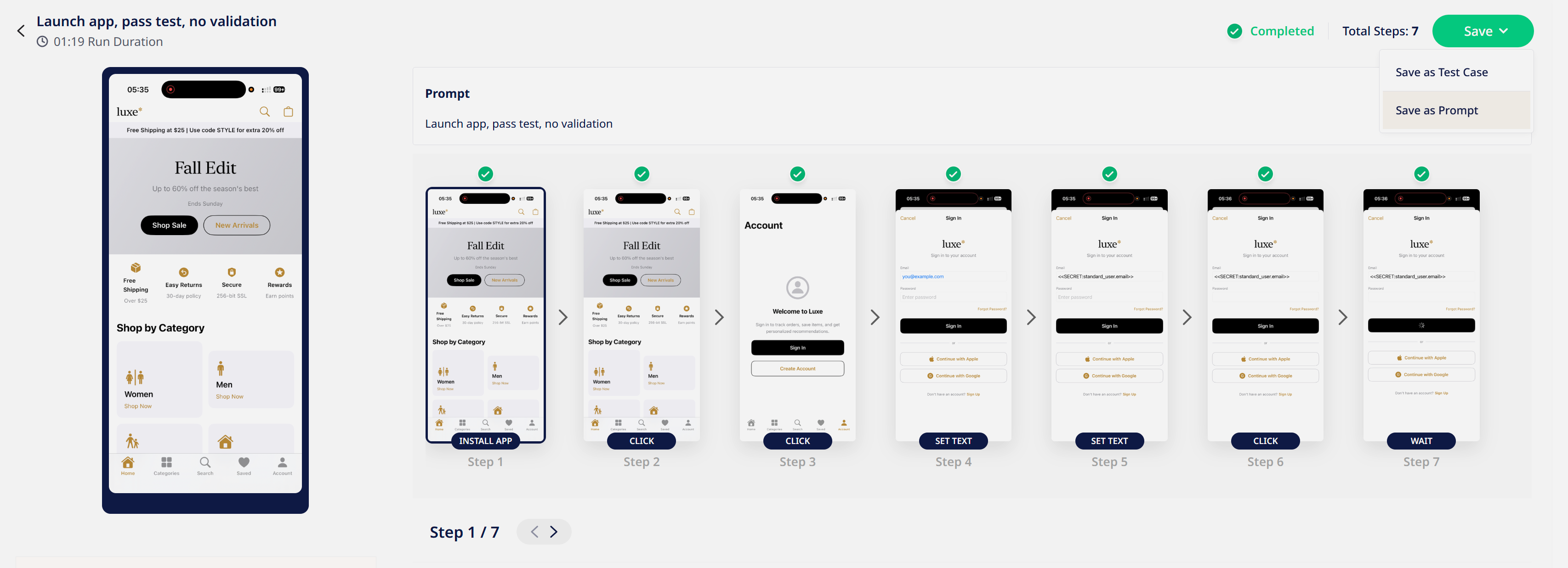
- Give it a name that describes the flow.
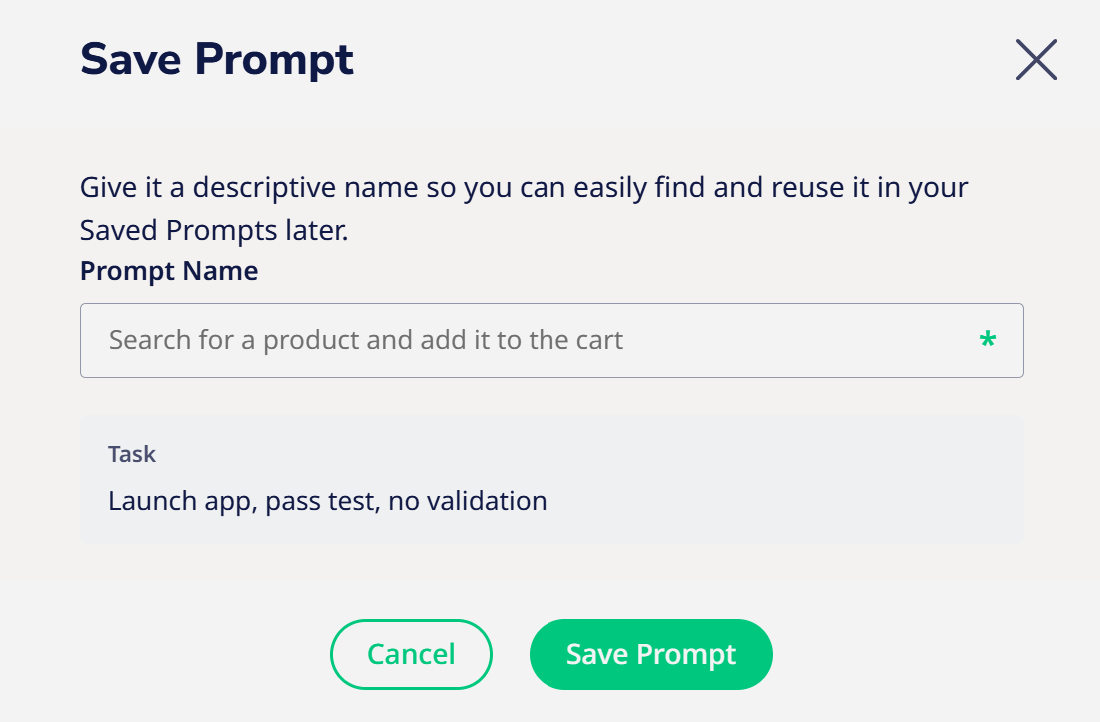
- Click Save.
Run a saved prompt
- Open Mobile Agent and select your application.
- Open Saved Prompts.
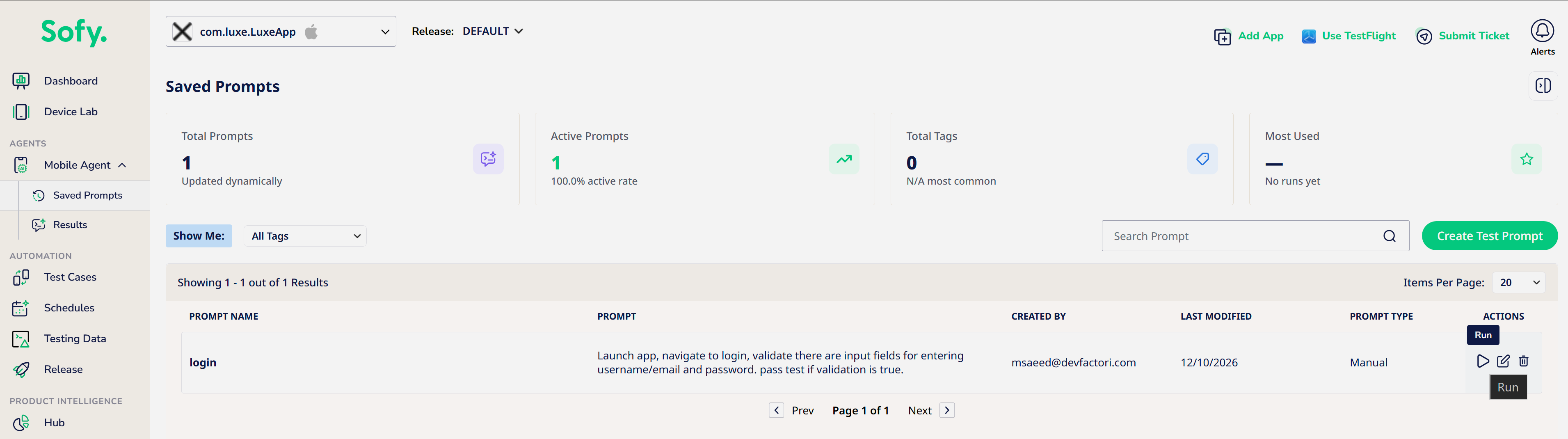
- Select the prompt, choose a build and device, and click Run.
Keep saved prompts reliable
A saved prompt is run again by the agent each time. It isn't a fixed recording, so small UI changes usually don't break it. If you need the exact same steps every time, for example in a scheduled regression suite, convert a passing run into a No-Code test case.
