Convert a Mobile Agent run to a No-Code test case

Turn a finished Mobile Agent run into a No-Code test case that runs the same steps every time and can be added to schedules. Conversion creates a draft first, so you can check and adjust the steps before the test case is saved.
Convert a run
- Open the run report of a finished run.
- Click Save as Test Case
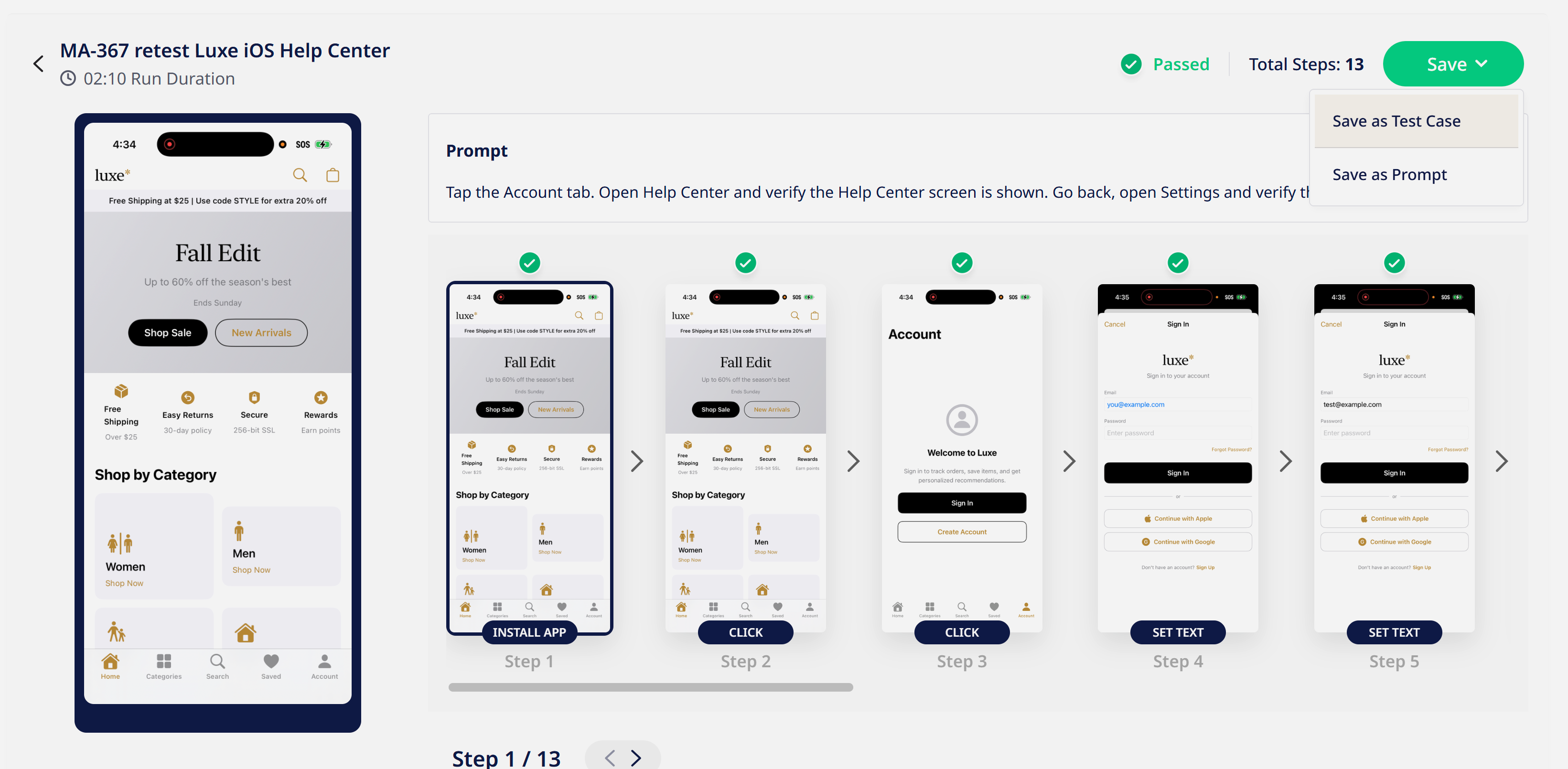
- Sofy's agent runs through the authored test, ensuring it is able to reliably convert the test into a deterministic state that can be run robustly across regressions.
- A review screen pops up and flags steps that are likely to break on replay and offers a better target:
- a tap saved against the whole screen or a page container instead of the element
- text that appears more than once on the screen
- very short text (1–2 characters), or times and dates that change between runs (warning only)
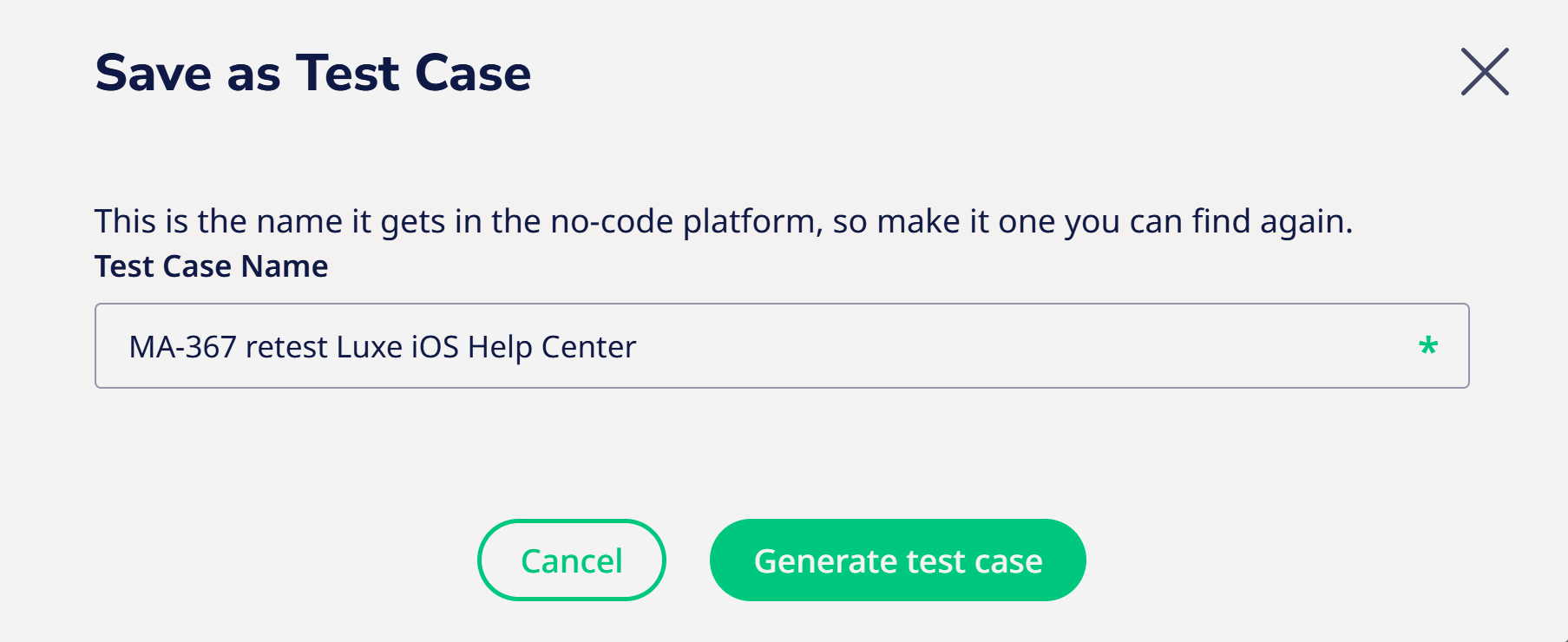
- Choose a descriptive name when generating the test case.